Migrate to XPlayer in Minutes
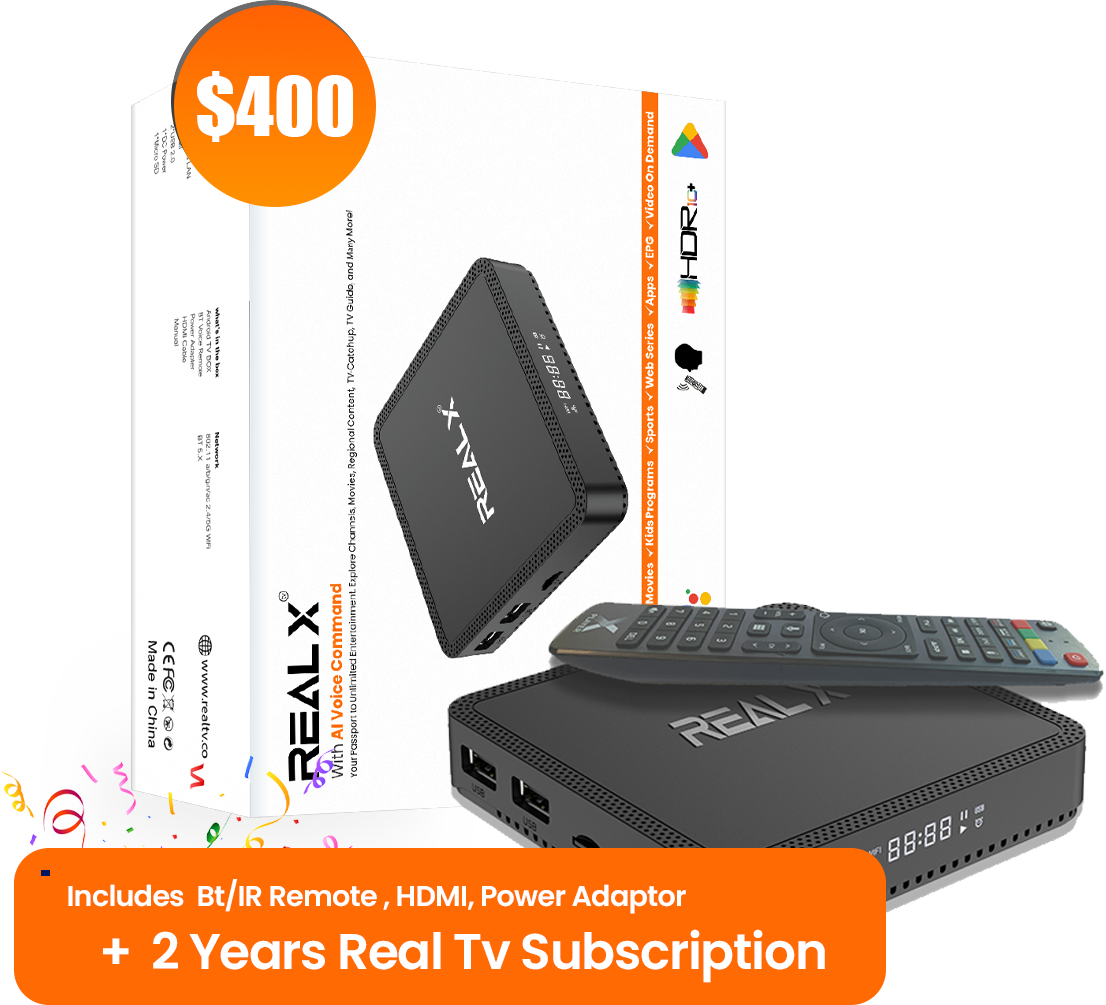
Upgrade your Real X box to XPlayer seamlessly. Get enhanced features, better performance, and uninterrupted entertainment.
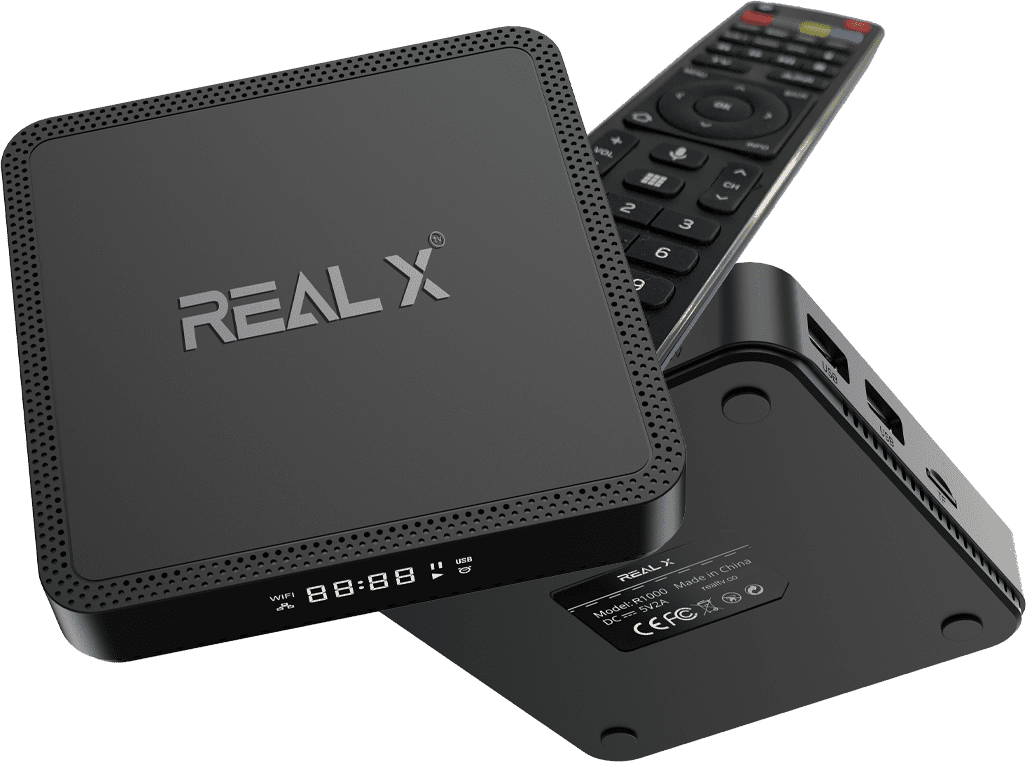


Migration Overview
Upgrade your Real X box to XPlayer in minutes. Enhanced features, zero downtime.
What You'll Get
 Enhanced HDR support
 Faster processing
 AI-powered streaming
 Superior display quality
Migration Benefits
 Zero buffering
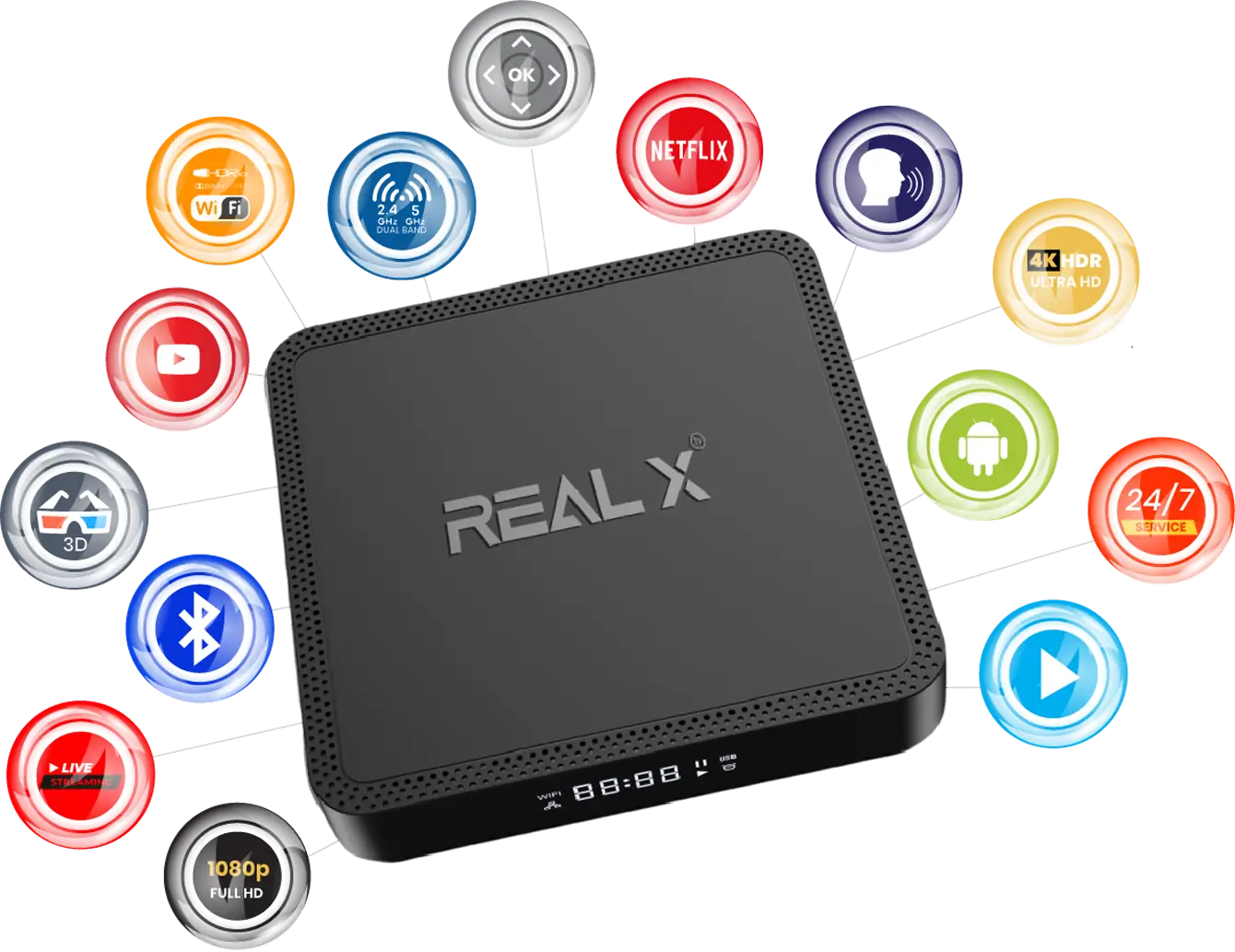
 Dual Wi-Fi support
 Bluetooth 5.0
 Latest Android OS
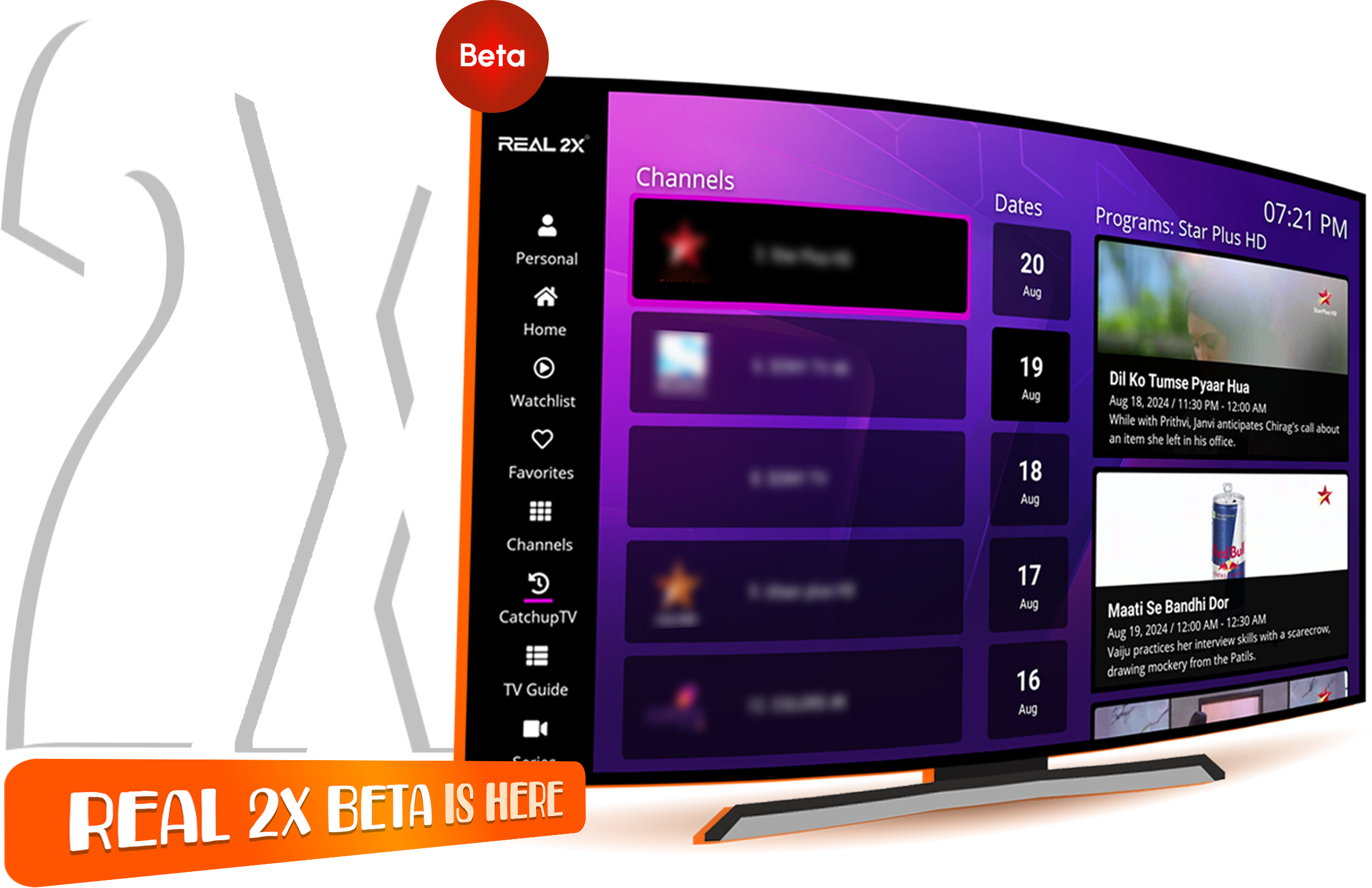
Migration Timeline
Preparation
Get ready for a seamless migration in 3 simple steps
System Requirements
- ✓ Real X box with internet connection
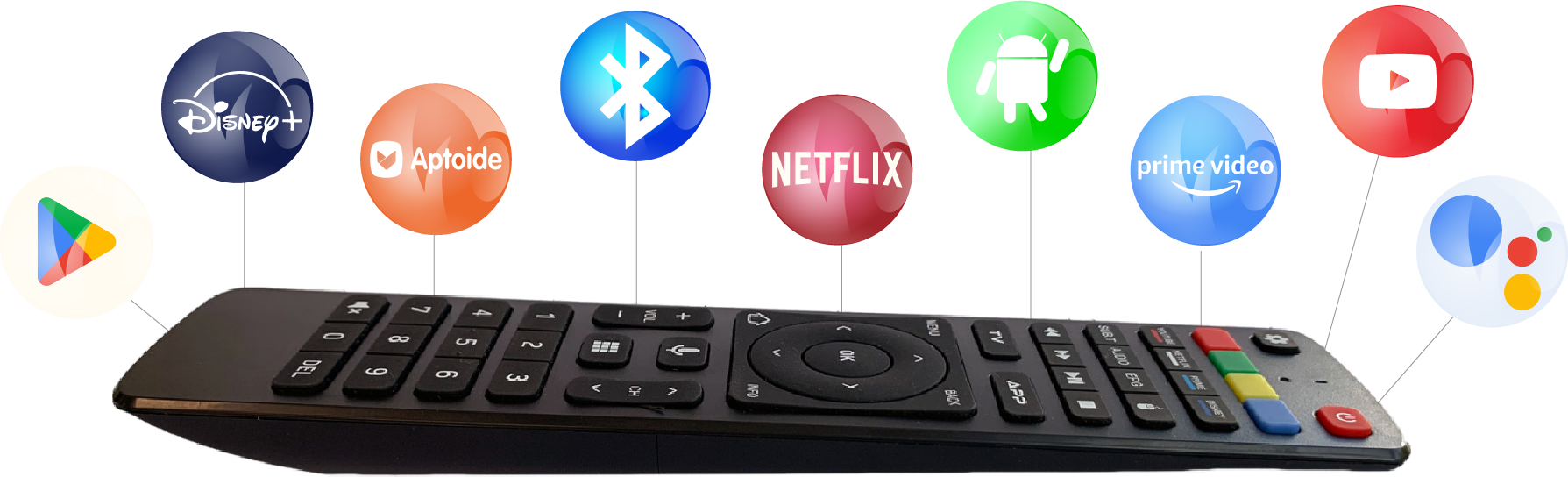
- ✓ Remote control with fresh batteries
- ✓ HDMI cable connected to TV
- ✓ Power adapter plugged in
 Storage Check
- ✓ Minimum 2GB free space
- ✓ USB drive (8GB+) for backup
- ✓ Power backup for 15 minutes
- ✓ Stable internet connection
Network Requirements
- ✓ Minimum 10 Mbps download speed
- ✓ Stable Wi-Fi connection
- ✓ Router within 10 meters
- ✓ No active downloads during migration
Quick Checklist
 Time Required
Step-by-Step Guide
Follow these 5 simple steps to complete your migration
Backup Your Settings
Navigate to Settings > System > Backup and create a backup of your current configuration.
Download XPlayer
Go to Settings > System Update and select "Download XPlayer Migration Package".
Install XPlayer
Once download completes, click "Install Now" and wait for the installation to finish.
Restore Settings
After restart, restore your backup from Settings > System > Restore.
Test & Enjoy
Launch XPlayer and test your favorite channels. You're all set!
Pro Tip
Keep your box connected to power throughout the migration process.
 Total time: 15 minutes
Troubleshooting
Quick fixes for common migration issues
Installation Failed
Download stuck or fails to install?
- • Check internet connection stability
- • Restart your Real X box
- • Clear cache in Settings > Storage
No Internet Connection
Can't connect after migration?
- • Forget and re-add Wi-Fi network
- • Check router settings
- • Reset network settings
Remote Not Working
Remote unresponsive after upgrade?
- • Replace remote batteries
- • Re-pair remote in Settings
- • Use mobile app as backup
Channels Not Loading
Missing channels after migration?
- • Refresh channel list
- • Check subscription status
- • Contact support for sync
App Crashes
XPlayer keeps crashing?
- • Clear app data & cache
- • Force stop and restart
- • Reinstall if persists
Video Quality Issues
Poor video quality after migration?
- • Check HDMI cable connection
- • Adjust display settings
- • Update display drivers

Still stuck? Contact support below
Support
24/7 expert support for your migration journey



Contact Information
Support Hours
-
24/7 Live Support Available
-
Phone: +61 422 540 275
Response Time
-
WhatsApp: Within 2 minutes
-
 Email: Within 30 minutes

Need Immediate Help?
Our award-winning support team is ready to assist
Available 24/7